On an ordinary weekday morning, the remote worker sits at their desk, staring at the browser tab row filled with open projects and tasks. The calendar shows a focus block scheduled for the next hour, but the task list sprawls across the screen, making it hard to prioritize. Each task seems to demand immediate attention, yet the top three tasks never get rewritten, lingering like ghosts of productivity past. This clutter creates a friction point where the ideal routine for mindful creative time begins to unravel.
Before diving into the work session, the calendar gets checked, but instead of solidifying focus, it triggers a cascade of distractions. Notifications from various apps ping in the background, pulling attention away from the task at hand. The initial intention to mute notifications gets overlooked in the rush to open the working document, leading to task switching that disrupts the flow. This misalignment between the work surface and task surface leaves the remote worker grappling with a disconnect, where mindful creative time becomes harder to achieve than it appears on paper.
The Routine That Should Work
The desk surface is cluttered with a jumble of notes and a visible task list sprawling across the screen. Each item demands attention, yet the top three tasks remain unchanged, lingering like uninvited guests. This accumulation creates a friction point where the ideal workflow for mindful creative time falters before it even begins. To counter this, setting a specific focus block on the calendar is essential. Allocating a solid hour, for example, from 10 AM to 11 AM, signals a commitment to deep work.
Before diving into the work session, a quick check of notifications is crucial. The intention to mute them often gets lost in the urgency of opening the working document. Instead, take a moment to silence all notifications across apps and devices. This small act can significantly reduce distractions and help maintain focus. With notifications muted, the remote worker can finally open the working document, ready to engage with the tasks ahead.
However, the sequence of actions can easily derail. After checking the calendar, the temptation to switch tasks can arise, especially if the task list feels overwhelming. To mitigate this, consider a quick visual scan of the top three tasks before starting. This not only reinforces priority but also helps align the work surface with the task surface. When the task list is longer than the available time, it’s easy to feel scattered, yet a focused approach can help reclaim that mindful creative time.
The Moment It All Falls Apart
If this pattern keeps repeating, Managing Energy Not Time extends the idea without leaving the niche.
The cluttered browser tab row often becomes a silent saboteur in a remote worker's mindful creative routine. Each tab represents a task or distraction, pulling attention away from the focused work session. When the task list exceeds the available time, it’s common to feel overwhelmed, leading to a mental drift before even starting. As the calendar gets checked, the urgency of the moment can shift focus away from the work at hand, causing the worker to lose momentum before opening the working document.
Checking the calendar can seem like a harmless step, yet it frequently reveals a snag or forgotten item that derails the workflow. Instead of diving straight into the document, the remote worker may find themselves lost in the details of upcoming meetings or deadlines. This quick glance can easily morph into a task-switching moment, where the initial intent to start a focus block dissipates. The first visible sign of this drift often occurs when the worker realizes they’ve spent more time scrolling through the calendar than preparing to engage with their top three tasks.
To counter this, consider placing the focus block on the calendar first, ensuring it stands out as a priority. This simple adjustment can serve as a reminder to align the work surface with the task surface, creating a clearer path to productivity. However, if the browser tab row remains cluttered, the temptation to check other tasks can still linger, leading to further delays. In this setup, the friction point becomes evident: the environment does not support the intention of a focused work session, leaving the worker caught between planning and action.
Why This Pattern Repeats
This same friction shows up again in Focus Without Burnout, especially when the day tightens unexpectedly.
During a typical weekday, a remote worker sits down at their desk, surrounded by an array of browser tabs, each representing a task or project. The clutter on the screen can quickly become overwhelming, making it easy to lose sight of the top three tasks that need attention. Before diving into a focused work session, the worker instinctively checks their calendar, which often leads to a cascade of distractions.
- Notifications from messaging apps pop up, pulling attention away from the task at hand and disrupting the intended focus block.
- The calendar reveals multiple commitments that weren’t accounted for, leading to an unrealistic task list that feels more like a burden than a plan.
- Without a clear prioritization strategy, the worker struggles to determine which tasks should take precedence, resulting in confusion and inaction.
This cycle of distraction and overcommitment creates a hidden friction point: the environment—the browser tab row—does not support a focused work session. The worker might decide to mute notifications, but if the task list remains longer than the available time, the initial intent to engage with the top tasks can easily dissolve. The tradeoff here is between the desire for productivity and the reality of a cluttered workspace, leaving the worker caught in a loop of planning without action.
A Small Correction That Makes a Difference
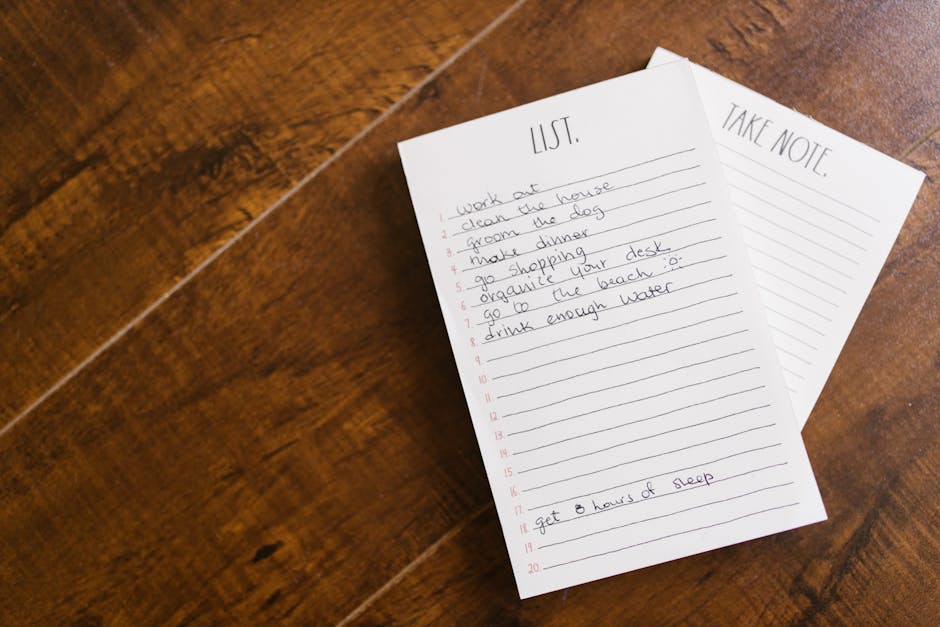
During an ordinary weekday moment, the clutter on a remote worker's desk can become overwhelming. With multiple browser tabs open, the top three tasks often remain unaddressed, simply listed but never prioritized. A simple sticky note placed prominently on the desk can serve as a visual reminder of these tasks, ensuring they don’t get lost in the shuffle. This small correction helps clarify focus, making it easier to decide where to begin.
Implementing a single focus block on the calendar specifically for these top three tasks can transform the work session. By blocking out an hour, the worker can dedicate uninterrupted time to tackle these priorities. Before opening the work document, checking the calendar becomes a crucial step in this sequence. It sets the intention and creates a mental space for focused effort. If the calendar is clear and the sticky note is visible, the worker can move past the initial friction of indecision and dive into the tasks that matter most.
A Quick Check to Prevent Drift
Before diving into a focused work session, the calendar should be the first stop. A quick glance at the day's schedule can help confirm that a focus block is set, ensuring that dedicated time is allocated for the most pressing tasks. If a focus block isn’t already on the calendar, it’s easy to slip into a reactive mode, allowing distractions to pull attention away from what truly matters.
Position a sticky note on the edge of the monitor as a visual cue for the top three tasks. This small adjustment serves as a reminder of what needs to be accomplished during the focus block. When the work document finally opens, the worker can refer back to this note, aligning their efforts with the scheduled time. This sequence—checking the calendar first, then looking at the sticky note—creates a mental pathway that reduces the friction of indecision.
By integrating this quick check into the workflow, a remote worker can avoid the common pitfall of task drift. The calendar acts as a commitment device, while the sticky note reinforces priorities, making it clear what tasks should be tackled during the upcoming work session. Without this simple routine, it’s all too easy to lose sight of priorities, especially with multiple browser tabs vying for attention.
What Changes After the Correction
With the calendar block now prioritized, the workspace transforms into a more focused environment. The browser tab row, previously cluttered with distractions, is reduced to just a few essential tabs. This shift allows for deeper engagement during work sessions, as the mind is no longer pulled in multiple directions by notifications or irrelevant content. Instead, the remote worker can dive straight into the task at hand, knowing that the top three tasks are clearly outlined and visible on the sticky note affixed to the monitor.
During the next work session, the difference is palpable. Rather than feeling overwhelmed by a lengthy task list, the worker can approach the top three tasks with a sense of clarity. Each task is manageable within the designated focus block, and there’s a noticeable reduction in the urge to switch tasks mid-session. The simple act of muting notifications before starting creates a quieter mental space, allowing for sustained concentration. This small adjustment not only enhances productivity but also fosters a more satisfying creative process.
As the worker checks the calendar before opening the document, they can mentally align their focus with the tasks that truly matter. This sequence—calendar check, sticky note glance, and then document opening—creates a streamlined workflow. The result is fewer distractions and a more productive work session, where the remote worker can fully immerse themselves in their creative endeavors without the constant pull of unprioritized tasks.
As the remote worker sits at their desk, the browser tab row filled with distractions, the friction points become evident. Each time they check the calendar before diving into the work document, a subtle tension arises. The longer task list looms large, but the top three tasks remain unchanged, lingering like uninvited guests. This moment of hesitation can derail focus, especially when notifications ping in the background, pulling attention away from the task at hand.
To counteract this, a simple yet effective next step is to mute notifications before starting the focus block. By creating a quieter environment, the remote worker can better align their attention with the tasks that truly matter. This small adjustment not only sets the stage for a more productive work session but also ensures that the calendar check becomes a mindful ritual rather than a source of distraction. With each focused block, the path to mindful creative time becomes clearer, allowing for deeper engagement in the work that lies ahead.